Data-Dense Dashboard
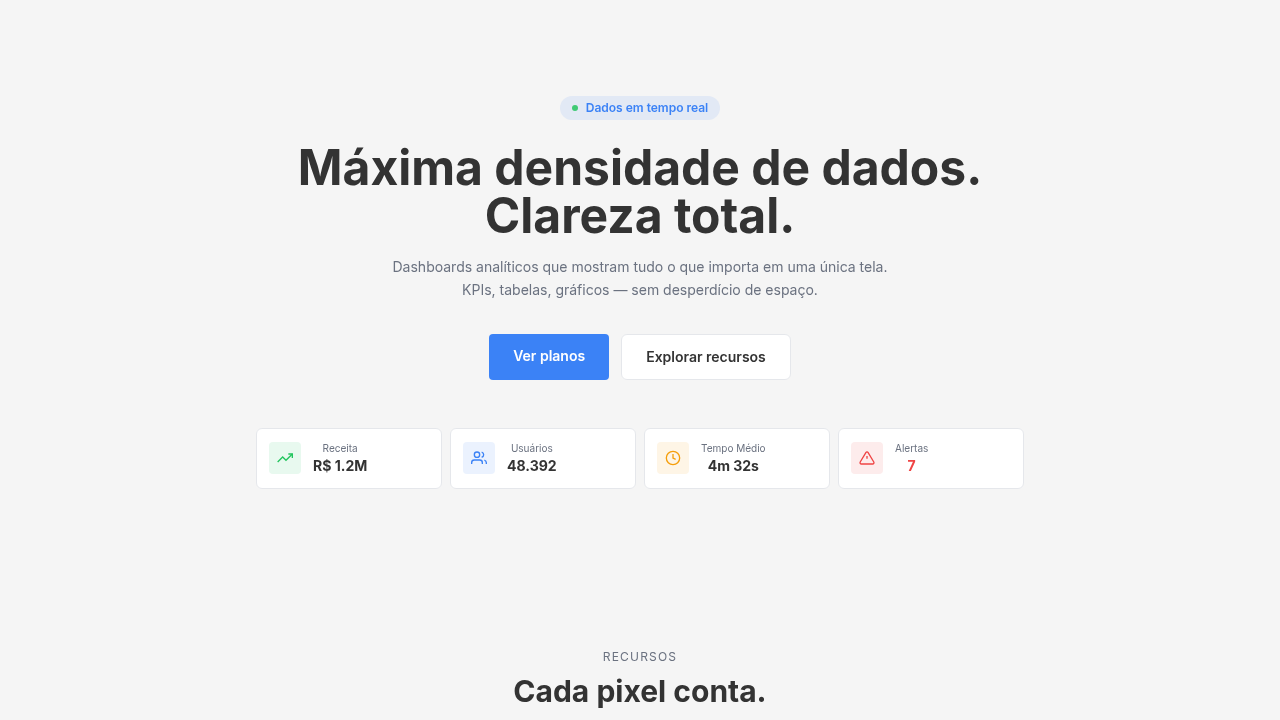
Data-dense dashboard. Ideal for landing pages, modern websites. AI-ready template.
Use case: Landing pages, Modern websites
Historical Context
Dashboards didn't start pretty. They started as literal instrument panels — cockpit gauges, factory readouts, walls of blinking lights. The digital version inherited that DNA: cram everything into one screen so the operator never has to click away. Edward Tufte gave us the vocabulary to talk about why some of those screens worked and others were garbage. Data-ink ratio. Chartjunk. The idea that every pixel should earn its place. His influence is still the gravitational center of dashboard design, whether people have read him or not. The 2010s brought a wave of democratized tooling — Grafana, Metabase, Looker — that made it trivially easy to throw twelve charts on a page and call it a dashboard. Which meant most dashboards became noise. The real craft isn't adding widgets. It's knowing which ones to kill. Modern data-dense dashboards walk a razor's edge: show enough to eliminate tab-switching, but structure it so the eye knows where to land first. The best ones feel calm despite containing enormous amounts of information. That's the trick. Density without chaos.
When to Use
When your users are power users who live in the product eight hours a day. Analytics platforms, FinTech trading desks, DevOps war rooms, BI tools — anywhere the cost of switching context is higher than the cost of visual complexity. Not for casual consumers. Not for marketing sites. This pattern assumes your audience already has mental models for reading charts and tables. If they don't, you need a simpler narrative layout instead.
Design Principles
- Establish a clear visual hierarchy through size and position — the most critical KPI gets the biggest card, top-left. Everything else is secondary until proven otherwise.
- Use a consistent, tight spacing grid (8px base) so density feels intentional rather than accidental. White space is structure, not decoration.
- Limit your color palette to functional meaning — red for alerts, green for healthy, blue for neutral. Decorative color in a dashboard is noise.
- Design for glanceability first, drill-down second. A user should extract the system's health status in under three seconds without reading any labels.
- Treat data tables as first-class citizens, not afterthoughts. Proper monospace numerals, right-aligned numbers, frozen headers, and zebra striping aren't optional — they're baseline.
DESIGN.md
---
version: "alpha"
name: "Data-Dense Dashboard"
description: "Data-dense dashboard. Ideal for landing pages, modern websites. AI-ready template."
colors:
  primary: "#F5F5F5"
  secondary: "#333333"
  tertiary: "#22C55E"
  neutral: "#F59E0B"
  surface: "#EF4444"
typography:
  h1:
    fontFamily: System UI stack
    fontSize: 2.25rem
    fontWeight: 700
  body-md:
    fontFamily: System UI stack
    fontSize: 1rem
    fontWeight: 400
  label-caps:
    fontFamily: System UI stack
    fontSize: 0.75rem
    fontWeight: 500
spacing:
  sm: 8.0px
  md: 16.0px
  lg: 32.0px
components:
  button-primary:
    backgroundColor: "{colors.primary}"
    textColor: "{colors.neutral}"
    padding: 12px
---

## Overview

Data-dense dashboard. Ideal for landing pages, modern websites. AI-ready template. Dashboards didn't start pretty. They started as literal instrument panels — cockpit gauges, factory readouts, walls of blinking lights. The digital version inherited that DNA: cram everything into one screen so the operator never has to click away. Edward Tufte gave us the vocabulary to talk about why some of those screens worked and others were garbage. Data-ink ratio. Chartjunk. The idea that every pixel should earn its place. His influence is still the gravitational center of dashboard design, whether people have read him or not.

The 2010s brought a wave of democratized tooling — Grafana, Metabase, Looker — that made it trivially easy to throw twelve charts on a page and call it a dashboard. Which meant most dashboards became noise. The real craft isn't adding widgets. It's knowing which ones to kill.

Modern data-dense dashboards walk a razor's edge: show enough to eliminate tab-switching, but structure it so the eye knows where to land first. The best ones feel calm despite containing enormous amounts of information. That's the trick. Density without chaos.

- Density: 8/10 — Dense
- Variance: 2/10 — Structured
- Motion: 6/10 — Expressive

- **Style:** BI/Analytics
- **Keywords:** Multiple charts/widgets, data tables, KPI cards, minimal padding, grid layout, space-efficient, maximum data visibility
- **Era:** 2020s Modern
- **Light/Dark:** ✓ Full / ✓ Full

## Colors

- **light grey/white** (#F5F5F5) — Light surface, card backgrounds
- **dark text** (#333333) — Dark surface, primary background
- **green** (#22C55E) — Success states, positive indicators
- **amber** (#F59E0B) — Warning states, attention indicators
- **red** (#EF4444) — Error states, destructive actions


## Typography

- **Display / Hero:** System UI stack (-apple-system, sans-serif) — Weight 700, tight tracking, used for headline impact
- **Body:** System UI stack (-apple-system, sans-serif) — Weight 400, 16px/1.6 line-height, max 72ch per line
- **UI Labels / Captions:** System UI stack (-apple-system, sans-serif) — 0.875rem, weight 500, slight letter-spacing
- **Monospace:** JetBrains Mono — Used for code, metadata, and technical values

Scale:
- Hero: clamp(2.5rem, 5vw, 4rem)
- H1: 2.25rem
- H2: 1.5rem
- Body: 1rem / 1.6
- Small: 0.875rem


## Layout

- **Grid:** CSS Grid primary. Max-width containment: 1280px centered with 1.5rem side padding.
- **Spacing rhythm:** Balanced. Base unit: 0.5rem (8px).
- **Section vertical gaps:** clamp(4rem, 8vw, 8rem).
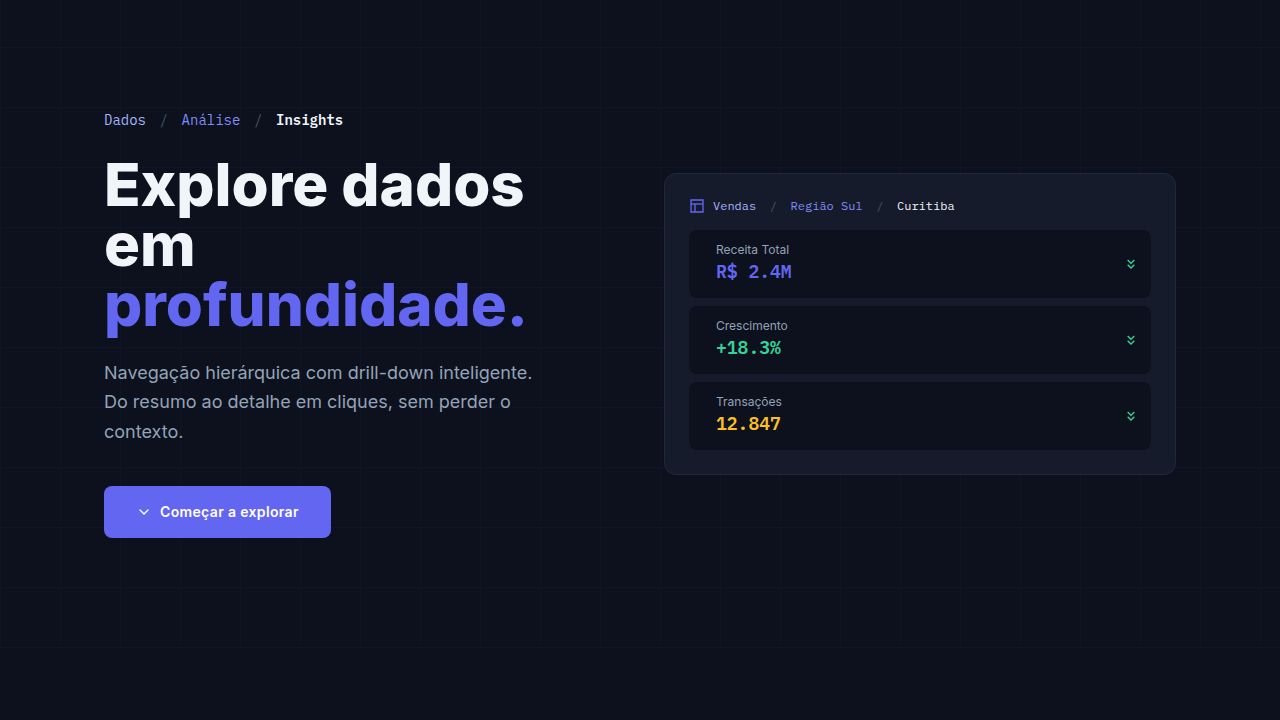
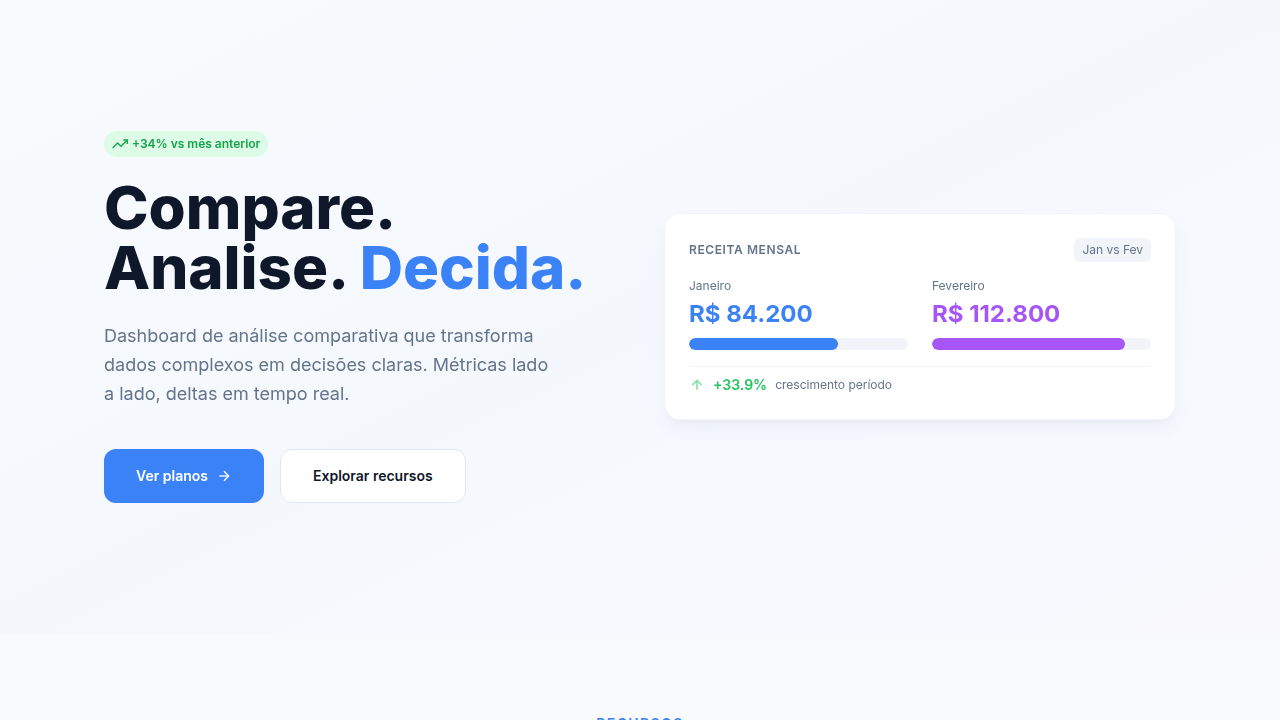
- **Hero layout:** Split-screen (text left, visual right).
- **Feature sections:** Zig-zag alternating text+image rows. No 3-equal-columns.
- **Mobile collapse:** All multi-column layouts collapse below 768px. No horizontal overflow.
- **z-index contract:** base (0) / sticky-nav (100) / overlay (200) / modal (300) / toast (500).


## Elevation & Depth

Hover tooltips, chart zoom on click, row highlighting on hover, smooth filter animations, data loading spinners

- **Physics:** Spring — stiffness 120, damping 20. Confident, weighted transitions.
- **Entry animations:** Fade + translate-Y (16px → 0) over 480ms ease-out. Staggered cascades for lists: 100ms between items.
- **Hover states:** Scale(1.03) + shadow lift over 200ms.
- **Page transitions:** Fade + slide (300ms).
- **Performance:** Only transform and opacity animated. No layout-triggering properties.


## Shapes

Base corner radius: 8px. See rounded tokens in front matter for the full scale.


## Components

- **Primary Button:** Subtly rounded (0.5rem) shape. Accent color fill. Hover: 8% darken + subtle lift shadow. Active: -1px translate tactile press. Font weight 600. No outer glows.
- **Secondary / Ghost Button:** Outline variant. 1.5px border in muted color. Text in primary color. Hover: subtle background fill.
- **Cards:** Subtly rounded (0.5rem) corners. Surface background. Subtle shadow (0 2px 12px rgba(0,0,0,0.06)). 1px border stroke.
- **Inputs:** Label above input. 1px border stroke. Focus ring: 2px accent color offset 2px. Error text below in semantic red. No floating labels.
- **Navigation:** Primary surface background. Active item: accent color indicator. Font weight 500 when active.
- **Skeletons:** Shimmer animation matching component dimensions. No circular spinners.
- **Empty States:** Icon-based composition with descriptive text and action button.


## Do's and Don'ts

- No emojis in UI — use icon system only (Lucide, Heroicons)
- No decorative gradients — flat color only
- No shadows heavier than 0 2px 8px rgba(0,0,0,0.08)
- No pure black (#000000) — use off-black or charcoal variants
- No oversaturated accent colors (saturation cap: 80%)
- No 3-column equal-width feature layouts — use zig-zag or asymmetric grid
- No `h-screen` — use `min-h-[100dvh]`
- No AI copywriting clichés: "Elevate", "Seamless", "Unleash", "Next-Gen"
- No broken external image links — use picsum.photos or inline SVG
- No generic lorem ipsum in demos

- Do Grid layout 12 columns
- Do KPI cards responsive
- Do Tables sortable
- Do Filters functional
- Do Loading states for data
- Do Export functionality


## Use Case

Landing pages, Modern websites
Technical Specs
CSS
display: grid, grid-template-columns: repeat(12, 1fr), gap: 8px, padding: 12px, font-size: 12-14px, overflow: auto for tables, compact card design, sticky headers
Variables
--grid-gap: 8px, --card-padding: 12px, --font-size-small: 12px, --table-row-height: 36px, --sidebar-width: 240px, --header-height: 56px
Checklist
☐ Grid layout 12 columns, ☐ KPI cards responsive, ☐ Tables sortable, ☐ Filters functional, ☐ Loading states for data, ☐ Export functionality
Colors
Primary
Secondary
Effects
Hover tooltips, chart zoom on click, row highlighting on hover, smooth filter animations, data loading spinners
Light/Dark
✓ Full / ✓ Full
AI Prompt
Act as a Senior Frontend Engineer and Expert UI Designer.
Your task is to code a complete Landing Page on the first attempt.
- Landing Page Theme: <INSERT THEME>
- Sections to add: <INSERT SECTIONS>

Generate the final code immediately following these definitions:

## Style

- **Name:** Data-Dense Dashboard
- **Type:** BI/Analytics
- **Keywords:** Multiple charts/widgets, data tables, KPI cards, minimal padding, grid layout, space-efficient, maximum data visibility
- **Era:** 2020s Modern
- **Light/Dark:** ✓ Full / ✓ Full

## Color Palette

- **Primary:** Neutral primary (light grey/white #F5F5F5), data colors (blue/green/red), dark text #333333
- **Secondary:** Chart colors: success (green #22C55E), warning (amber #F59E0B), alert (red #EF4444), neutral (grey)

## Visual Effects

Hover tooltips, chart zoom on click, row highlighting on hover, smooth filter animations, data loading spinners

## AI Visual Direction

Design a data-dense dashboard. Use: multiple chart widgets, KPI cards row, data tables with sorting, minimal padding (8-12px), efficient grid layout, filter sidebar, dense but readable typography, maximum information density.

## CSS Technical

```css
display: grid, grid-template-columns: repeat(12, 1fr), gap: 8px, padding: 12px, font-size: 12-14px, overflow: auto for tables, compact card design, sticky headers
```

## Design System Variables

```css
--grid-gap: 8px, --card-padding: 12px, --font-size-small: 12px, --table-row-height: 36px, --sidebar-width: 240px, --header-height: 56px
```

## Implementation Checklist

- ☐ Grid layout 12 columns
- ☐ KPI cards responsive
- ☐ Tables sortable
- ☐ Filters functional
- ☐ Loading states for data
- ☐ Export functionality

## Execution Rules

1. Strictly follow the defined visual style.
2. Use high-quality inline SVG icons (Heroicons or Lucide style) — NEVER use emojis as icons.
3. Add `cursor-pointer` and smooth `hover` states (transition-all) on all interactive elements.
4. Required Page Structure:
   - Navbar (Logo + Links + CTA)
   - Hero Section (Impactful Headline + Subtitle + 2 buttons + 3D/Abstract visual element via CSS)
   - Features (3 cards with icons)
   - Testimonials (3 cards)
   - Pricing (3 tiers, highlight the middle one)
   - Final CTA
   - Full Footer with social links, privacy policy, terms of use, contact and SEO links.
5. All text content must be in English.
6. The visual must be CLEARLY distinct — do not create a "default Bootstrap" design. Force the use of the provided design system variables.
7. Use `<style>` tags in the head for custom classes (especially for complex backdrop-filter effects and animations) that Tailwind CDN doesn't cover.
8. Full Responsiveness: Layout must adapt perfectly to Mobile, Tablet and Desktop (vertical stack on mobile).
9. Include basic SEO, Viewport and Open Graph meta tags in `<head>`.
10. Footer must contain: Copyright 2026, Secondary navigation links and Social media icons.
11. Make the creative decisions needed to deliver the complete, functional result now.
Related
Last synced: 4/1/2026