Zero Interface
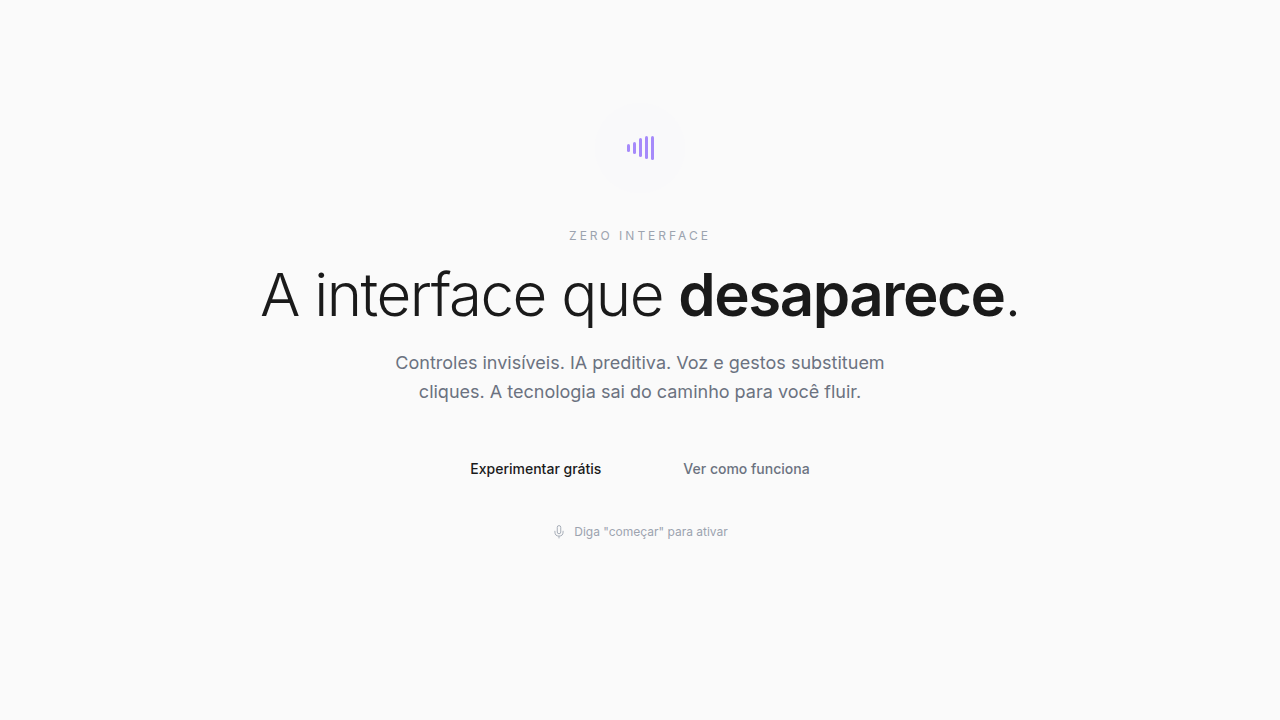
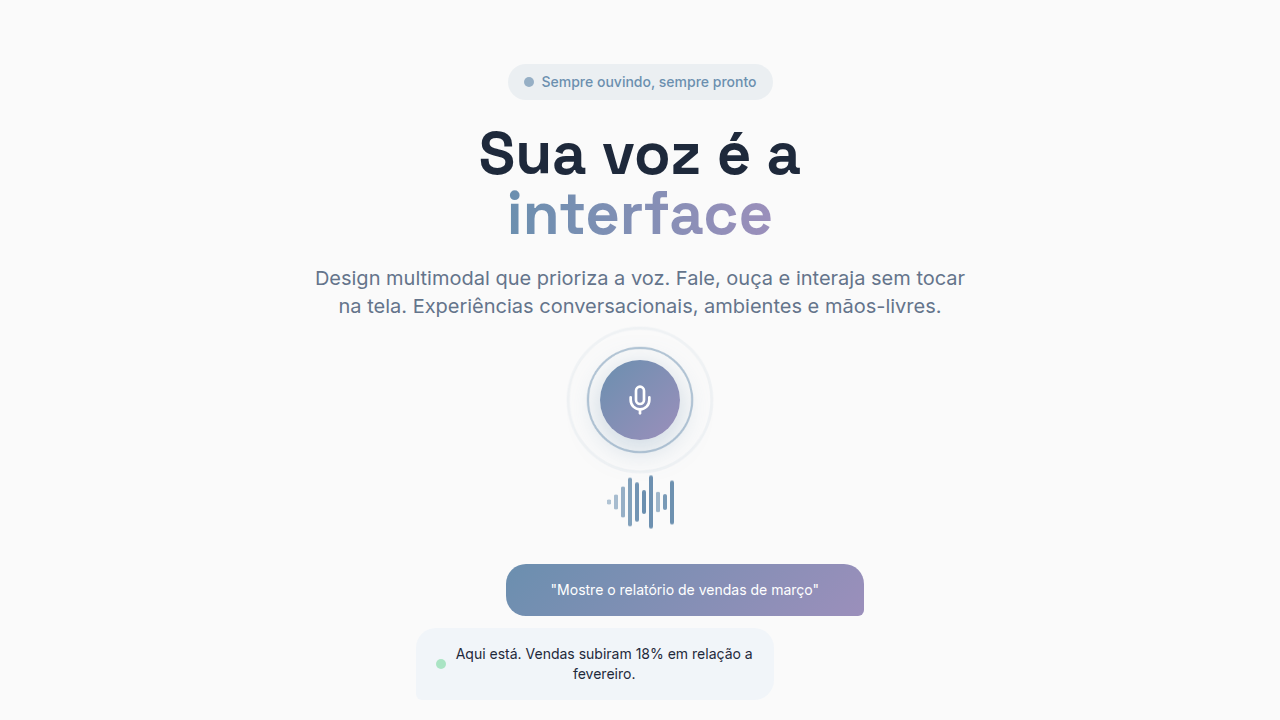
Voice-first, gesture-based, AI-driven interface with minimal visible UI, progressive disclosure, voice recognition UI, gesture detection, AI predictions, smart suggestions, context-aware actions. Ideal for landing pages, saas. AI-ready template.
Use case: Landing pages, SaaS
Historical Context
Golden Krishna's 'The Best Interface Is No Interface' landed in 2015 and felt radical. The argument was simple: we'd become so obsessed with screens that we forgot most problems don't need one. A car should unlock when you walk up to it. A prescription should refill itself. The screen is the bottleneck, not the solution. Designers mostly nodded and kept making screens anyway. Then AI assistants actually got good. Siri was a joke, but the trajectory from AirPods tap-to-talk to Apple Watch complications to Vision Pro's eye tracking tells a clear story — each generation removes a layer of visible interface. Ambient computing isn't a buzzword anymore; it's the thermostat adjusting before you feel cold, the speaker answering before you find your phone. Here's the paradox that keeps zero UI designers employed: invisible interfaces still need systems. You need consistent voice patterns, haptic vocabularies, transition behaviors for contextual surfaces that appear and vanish. The design system doesn't disappear — it just stops being about pixels.
When to Use
Zero UI is genuine when the task is simpler than the interface required to control it. Unlocking a door, skipping a track, setting a timer — these don't need screens. But be honest with yourself: if your 'zero UI' solution requires users to memorize twelve voice commands or learn a gesture alphabet, you've just moved complexity from visible to invisible. That's worse. The real test: can a first-time user accomplish the task without instructions? If not, you need at least a minimal fallback surface. Zero UI works best as a layer on top of traditional interfaces, not a replacement.
Design Principles
- Context is the interface — surface controls only when environment, time, or user state demands them, then dissolve immediately
- Design the fallback first — every zero-UI interaction needs a visible escape hatch for when voice fails, gestures misfire, or AI guesses wrong
- Haptic and audio as primary feedback — without pixels, confirmation must come through vibration patterns, spatial audio cues, and tonal language
- Progressive disclosure through modality — start with the lightest interaction (ambient awareness), escalate to voice, then gesture, then screen only as complexity requires
- Consistent invisible grammar — voice command structures, gesture vocabularies, and contextual triggers must follow repeatable patterns even without visual reinforcement
DESIGN.md
---
version: "alpha"
name: "Zero Interface"
description: "Voice-first, gesture-based, AI-driven interface with minimal visible UI, progressive disclosure, voice recognition UI, gesture detection, AI predictions, smart suggestions, context-aware actions. Ideal for landing pages, saas. AI-ready template."
colors:
  primary: "#FAFAFA"
  secondary: "#F0F0F0"
  tertiary: "#F5F1E8"
typography:
  h1:
    fontFamily: System UI stack
    fontSize: 2.25rem
    fontWeight: 700
  body-md:
    fontFamily: System UI stack
    fontSize: 1rem
    fontWeight: 400
  label-caps:
    fontFamily: System UI stack
    fontSize: 0.75rem
    fontWeight: 500
components:
  button-primary:
    backgroundColor: "{colors.primary}"
    padding: 12px
---

## Overview

Voice-first, gesture-based, AI-driven interface with minimal visible UI, progressive disclosure, voice recognition UI, gesture detection, AI predictions, smart suggestions, context-aware actions. Ideal for landing pages, saas. AI-ready template. Golden Krishna's 'The Best Interface Is No Interface' landed in 2015 and felt radical. The argument was simple: we'd become so obsessed with screens that we forgot most problems don't need one. A car should unlock when you walk up to it. A prescription should refill itself. The screen is the bottleneck, not the solution. Designers mostly nodded and kept making screens anyway.

Then AI assistants actually got good. Siri was a joke, but the trajectory from AirPods tap-to-talk to Apple Watch complications to Vision Pro's eye tracking tells a clear story — each generation removes a layer of visible interface. Ambient computing isn't a buzzword anymore; it's the thermostat adjusting before you feel cold, the speaker answering before you find your phone.

Here's the paradox that keeps zero UI designers employed: invisible interfaces still need systems. You need consistent voice patterns, haptic vocabularies, transition behaviors for contextual surfaces that appear and vanish. The design system doesn't disappear — it just stops being about pixels.

- Density: 3/10 — Airy
- Variance: 2/10 — Structured
- Motion: 4/10 — Subtle

- **Style:** Invisible, Ambient, Voice-Driven, Minimal
- **Keywords:** Minimal visible UI, voice-first, gesture-based, AI-driven, invisible controls, predictive, context-aware, ambient
- **Era:** 2020s AI-Era
- **Light/Dark:** ✓ Full / ✓ Full

## Colors

- **Soft white** (#FAFAFA) — Light surface, card backgrounds
- **light grey** (#F0F0F0) — Secondary text, borders, muted elements
- **warm off-white** (#F5F1E8) — Light surface, card backgrounds


## Typography

- **Display / Hero:** System UI stack (-apple-system, sans-serif) — Weight 700, tight tracking, used for headline impact
- **Body:** System UI stack (-apple-system, sans-serif) — Weight 400, 16px/1.6 line-height, max 72ch per line
- **UI Labels / Captions:** System UI stack (-apple-system, sans-serif) — 0.875rem, weight 500, slight letter-spacing
- **Monospace:** JetBrains Mono — Used for code, metadata, and technical values

Scale:
- Hero: clamp(2.5rem, 5vw, 4rem)
- H1: 2.25rem
- H2: 1.5rem
- Body: 1rem / 1.6
- Small: 0.875rem


## Layout

- **Grid:** CSS Grid primary. Max-width containment: 1280px centered with 1.5rem side padding.
- **Spacing rhythm:** Balanced. Base unit: 0.5rem (8px).
- **Section vertical gaps:** clamp(4rem, 8vw, 8rem).
- **Hero layout:** Split-screen (text left, visual right).
- **Feature sections:** Zig-zag alternating text+image rows. No 3-equal-columns.
- **Mobile collapse:** All multi-column layouts collapse below 768px. No horizontal overflow.
- **z-index contract:** base (0) / sticky-nav (100) / overlay (200) / modal (300) / toast (500).


## Elevation & Depth

Voice recognition UI, gesture detection, AI predictions (smooth reveal), progressive disclosure, smart suggestions

- **Physics:** Ease-out curves, 200-300ms duration. Smooth and predictable.
- **Entry animations:** Fade + translate-Y (16px → 0) over 420ms ease-out. Staggered cascades for lists: 80ms between items.
- **Hover states:** Subtle color shift + shadow adjustment over 200ms.
- **Page transitions:** Fade only (200ms).
- **Performance:** Only transform and opacity animated. No layout-triggering properties.


## Shapes

Base corner radius: 8px. See rounded tokens in front matter for the full scale.


## Components

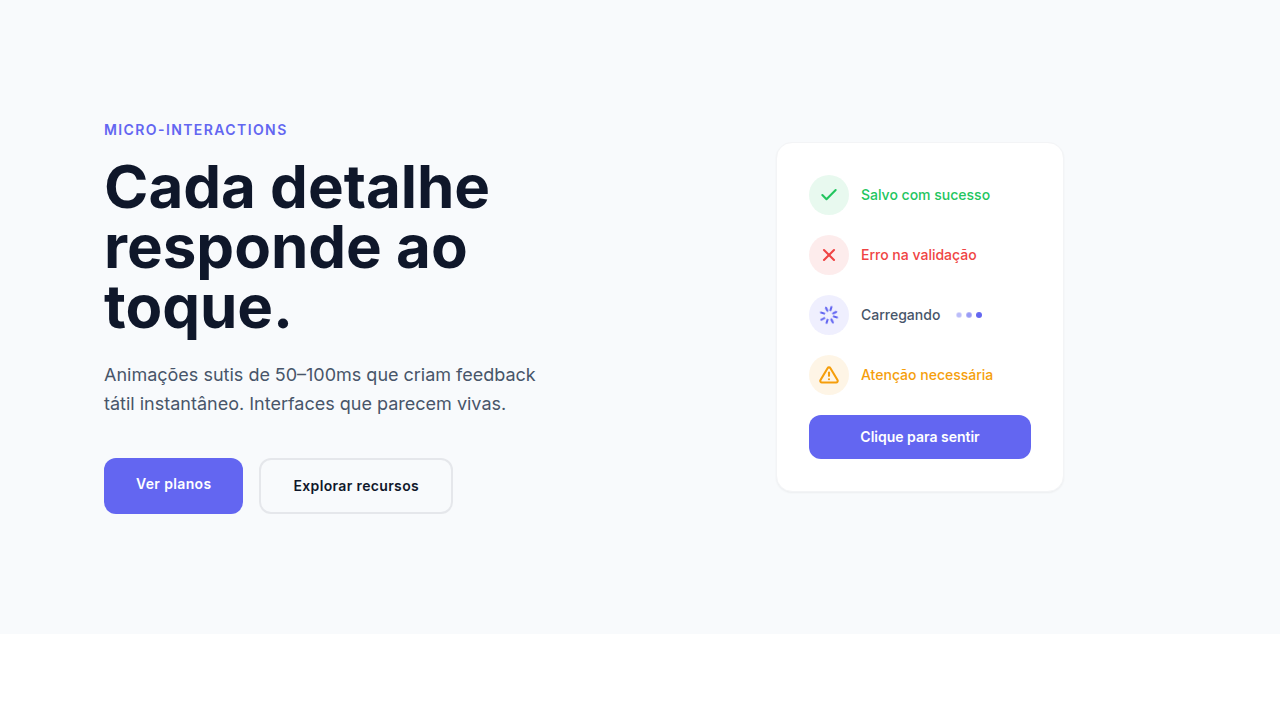
- **Primary Button:** Subtly rounded (0.5rem) shape. Accent color fill. Hover: 8% darken + subtle lift shadow. Active: -1px translate tactile press. Font weight 600. No outer glows.
- **Secondary / Ghost Button:** Outline variant. 1.5px border in muted color. Text in primary color. Hover: subtle background fill.
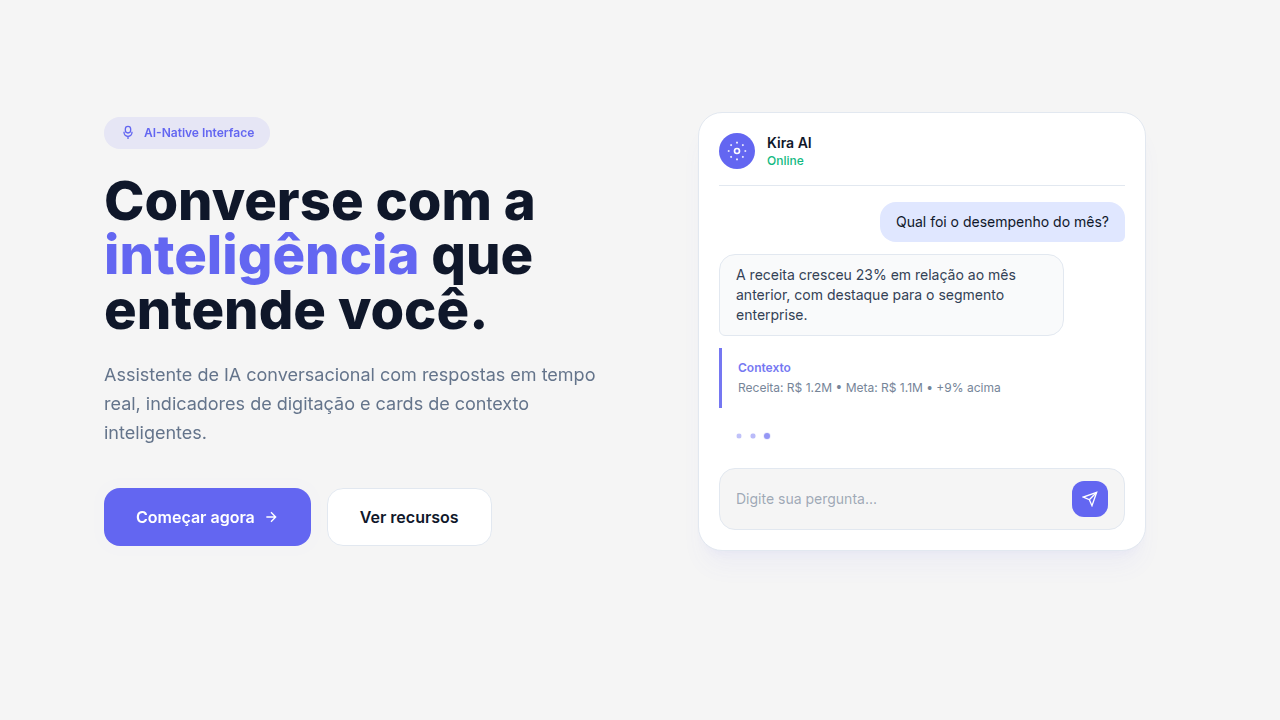
- **Cards:** Subtly rounded (0.5rem) corners. Surface background. Subtle shadow (0 2px 12px rgba(0,0,0,0.06)). 1px border stroke.
- **Inputs:** Label above input. 1px border stroke. Focus ring: 2px accent color offset 2px. Error text below in semantic red. No floating labels.
- **Navigation:** Primary surface background. Active item: accent color indicator. Font weight 500 when active.
- **Skeletons:** Shimmer animation matching component dimensions. No circular spinners.
- **Empty States:** Icon-based composition with descriptive text and action button.


## Do's and Don'ts

- No emojis in UI — use icon system only (Lucide, Heroicons)
- No decorative gradients — flat color only
- No shadows heavier than 0 2px 8px rgba(0,0,0,0.08)
- No pure black (#000000) — use off-black or charcoal variants
- No oversaturated accent colors (saturation cap: 80%)
- No 3-column equal-width feature layouts — use zig-zag or asymmetric grid
- No `h-screen` — use `min-h-[100dvh]`
- No AI copywriting clichés: "Elevate", "Seamless", "Unleash", "Next-Gen"
- No broken external image links — use picsum.photos or inline SVG
- No generic lorem ipsum in demos

- Do Voice commands responsive
- Do Gesture detection active
- Do AI predictions hidden/revealed
- Do Progressive disclosure working
- Do Minimal visible UI
- Do Smart suggestions contextual


## Use Case

Landing pages, SaaS
Technical Specs
CSS
voice-commands: Web Speech API, gesture-detection: touch events, AI-predictions: hidden by default (reveal on hover), progressive-disclosure: show on demand, minimal UI visible
Variables
--voice-ui: enabled, --gesture-detection: active, --ai-predictions: smart, --progressive-disclosure: true, --visible-ui: minimal, --context-aware: true
Checklist
☐ Voice commands responsive, ☐ Gesture detection active, ☐ AI predictions hidden/revealed, ☐ Progressive disclosure working, ☐ Minimal visible UI, ☐ Smart suggestions contextual
Colors
Primary
Effects
Voice recognition UI, gesture detection, AI predictions (smooth reveal), progressive disclosure, smart suggestions
Light/Dark
✓ Full / ✓ Full
AI Prompt
Act as a Senior Frontend Engineer and Expert UI Designer.
Your task is to code a complete Landing Page on the first attempt.
- Landing Page Theme: <INSERT THEME>
- Sections to add: <INSERT SECTIONS>

Generate the final code immediately following these definitions:

## Style

- **Name:** Zero Interface
- **Type:** Invisible, Ambient, Voice-Driven, Minimal
- **Keywords:** Minimal visible UI, voice-first, gesture-based, AI-driven, invisible controls, predictive, context-aware, ambient
- **Era:** 2020s AI-Era
- **Light/Dark:** ✓ Full / ✓ Full

## Color Palette

- **Primary:** Neutral backgrounds: Soft white #FAFAFA, light grey #F0F0F0, warm off-white #F5F1E8
- **Secondary:** Subtle feedback: light green, light red, minimal UI elements, soft accents

## Visual Effects

Voice recognition UI, gesture detection, AI predictions (smooth reveal), progressive disclosure, smart suggestions

## AI Visual Direction

Create a voice-first, gesture-based, AI-driven interface with minimal visible UI, progressive disclosure, voice recognition UI, gesture detection, AI predictions, smart suggestions, context-aware actions. Hide controls until needed.

## CSS Technical

```css
voice-commands: Web Speech API, gesture-detection: touch events, AI-predictions: hidden by default (reveal on hover), progressive-disclosure: show on demand, minimal UI visible
```

## Design System Variables

```css
--voice-ui: enabled, --gesture-detection: active, --ai-predictions: smart, --progressive-disclosure: true, --visible-ui: minimal, --context-aware: true
```

## Implementation Checklist

- ☐ Voice commands responsive
- ☐ Gesture detection active
- ☐ AI predictions hidden/revealed
- ☐ Progressive disclosure working
- ☐ Minimal visible UI
- ☐ Smart suggestions contextual

## Execution Rules

1. Strictly follow the defined visual style.
2. Use high-quality inline SVG icons (Heroicons or Lucide style) — NEVER use emojis as icons.
3. Add `cursor-pointer` and smooth `hover` states (transition-all) on all interactive elements.
4. Required Page Structure:
   - Navbar (Logo + Links + CTA)
   - Hero Section (Impactful Headline + Subtitle + 2 buttons + 3D/Abstract visual element via CSS)
   - Features (3 cards with icons)
   - Testimonials (3 cards)
   - Pricing (3 tiers, highlight the middle one)
   - Final CTA
   - Full Footer with social links, privacy policy, terms of use, contact and SEO links.
5. All text content must be in English.
6. The visual must be CLEARLY distinct — do not create a "default Bootstrap" design. Force the use of the provided design system variables.
7. Use `<style>` tags in the head for custom classes (especially for complex backdrop-filter effects and animations) that Tailwind CDN doesn't cover.
8. Full Responsiveness: Layout must adapt perfectly to Mobile, Tablet and Desktop (vertical stack on mobile).
9. Include basic SEO, Viewport and Open Graph meta tags in `<head>`.
10. Footer must contain: Copyright 2026, Secondary navigation links and Social media icons.
11. Make the creative decisions needed to deliver the complete, functional result now.
Related
Last synced: 4/1/2026